Seamless compatibility
works with all major video platforms
Products
Every Yealink product line, from PBX systems to gateways and accessories.
View all 416 productsMeeting rooms
Phones and headsets
Platforms and accessories
By meeting space
See all (6) →By platform
Empowers you to use your laptop to enrich your meeting room experiences
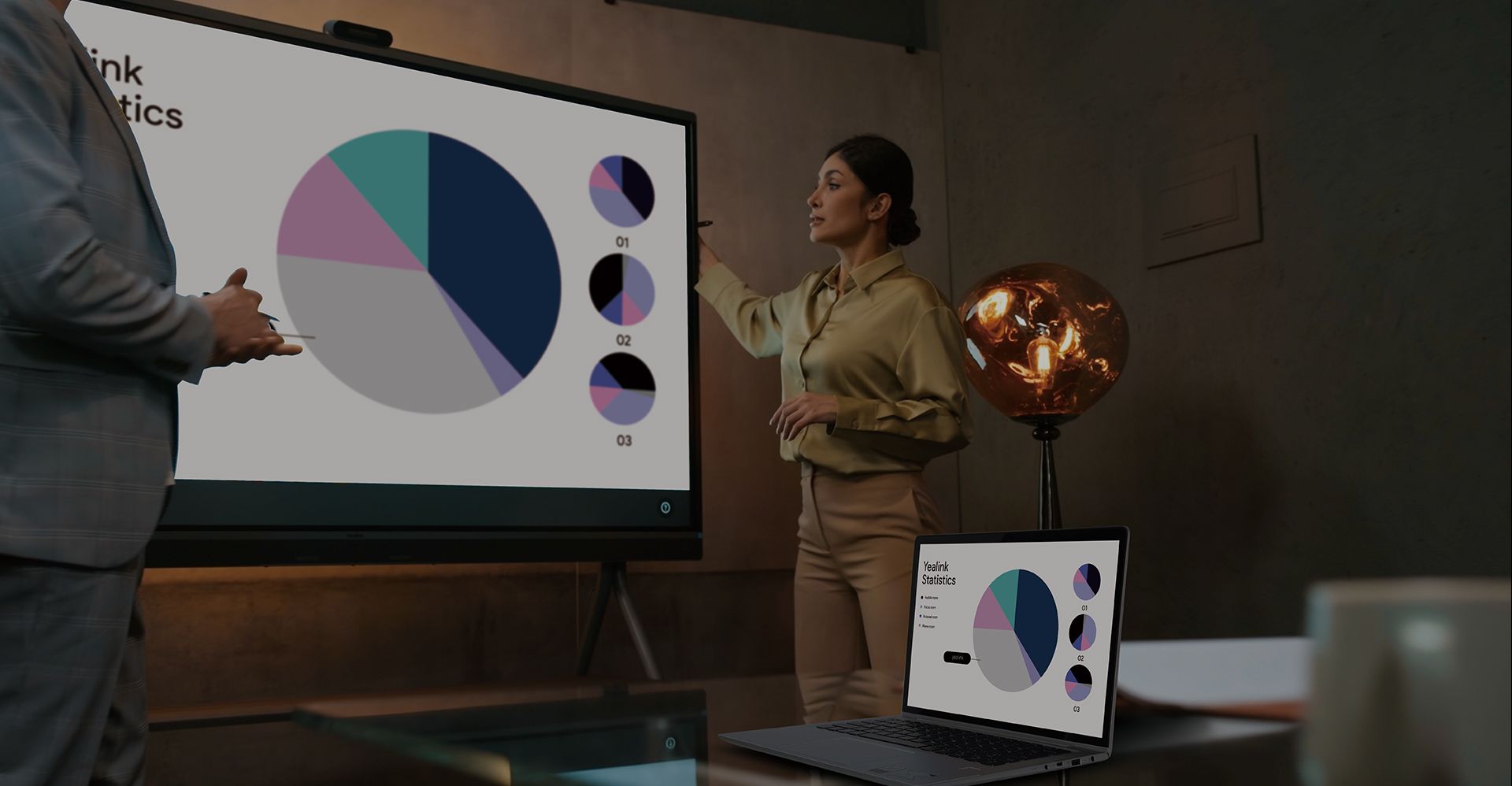
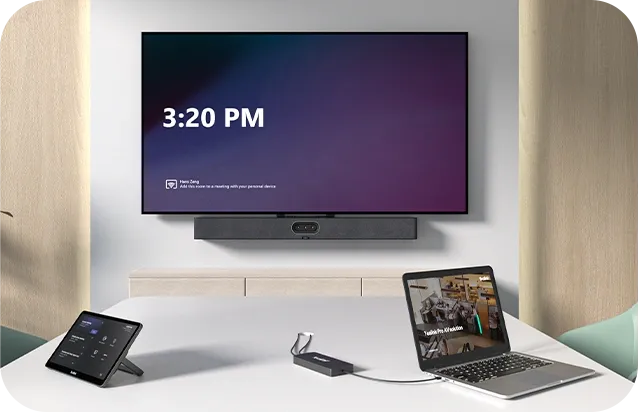
Choose from THREE flexible BYOD options to fit different room sizes, connection needs, and IT strategies – all using Yealink's professional-grade video and audio hardware.You can also centrally control and monitor devices via Yealink's cloud management platform.
For dedicated Zoom or Microsoft Teams Rooms, explore the full range of Yealink Room Systems.
works with all major video platforms
fits huddle to large rooms with different wiring needs
quick to deploy, easy to manage
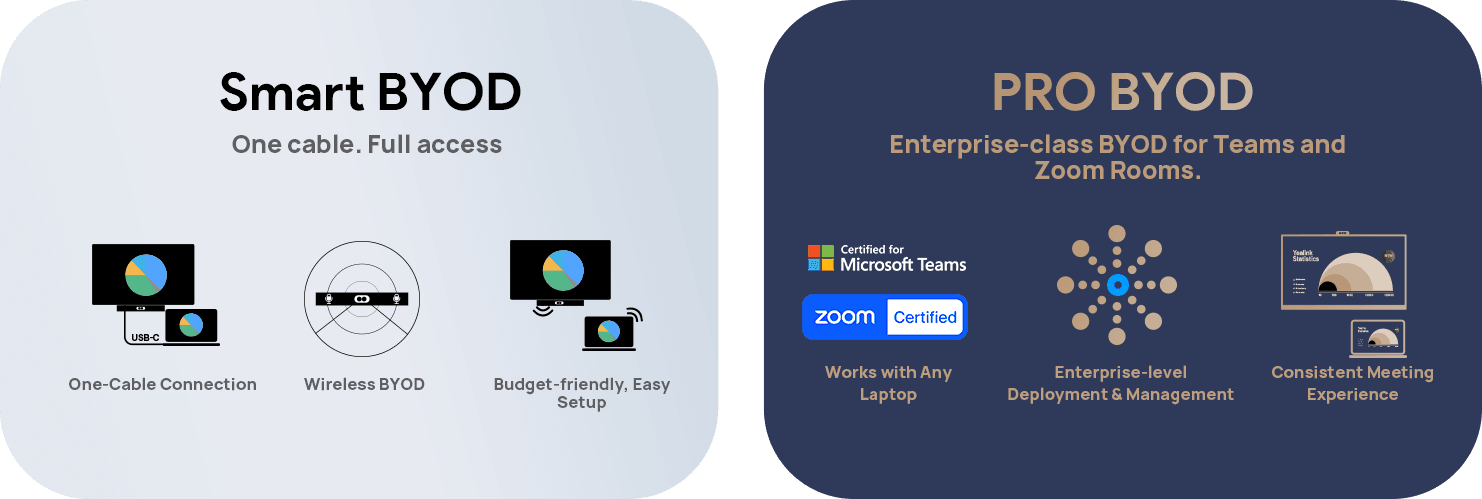
Smart BYOD
Android-based Devices + Device Mode
Simply connect your laptop via a single USB-C cable to access the in-room camera, microphone, speaker, and display.
Pro BYOD
Windows-based Device + Extender
Connecting your laptop to access the in-room professional AV system, while keeping the native Teams or Zoom Room setup in place.
Work with Any Laptop.
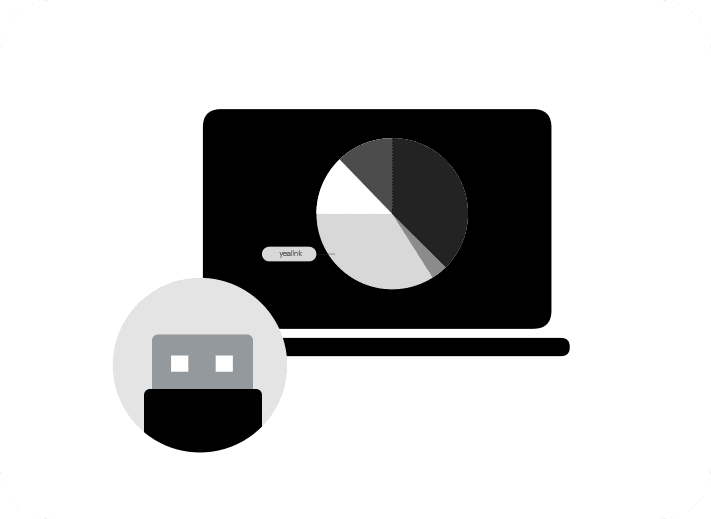
Easily connect your laptop to the USB Bar and BYOD-Box for seamless meetings. Whether you're using a Windows, Mac, or Chromebook, simply plug in via USB or HDMI, and you're good to go.No additional software or platform accounts required — just a straightforward connection to bring professional-grade audio and video to your meetings.
Plug and Play.
Forget about complicated setups or lengthy installations. With the USB Bar and BYOD-Box, you can plug in and start your meeting in minutes. Leverage the in-room camera, microphone, speaker, and display for crystal-clear communication — it’s that simple. Ready for action at any moment, with zero downtime.
Budget-Friendly & Easy Setup.
Get the power of enterprise-grade video and audio at a fraction of the cost. Our USB Bar solution is designed to be both cost-effective and quick to deploy. Perfect for small meeting rooms and spaces that require simple, fast access to meetings. With no need for expensive room licenses or platform accounts, it’s the most efficient solution for any budget.
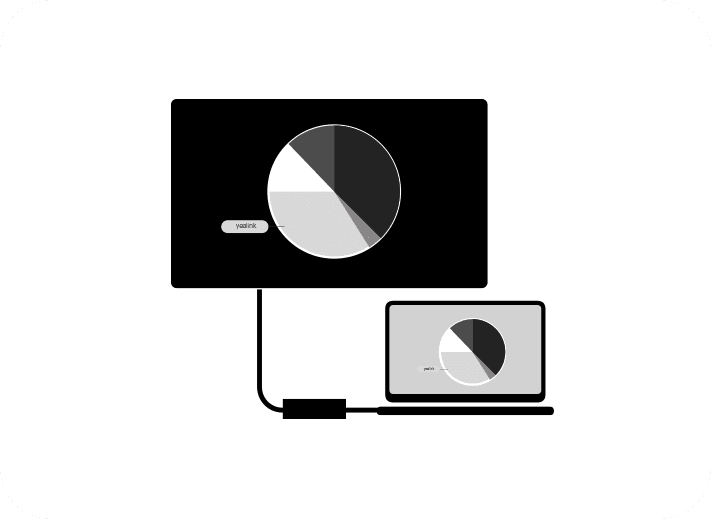
Use the USB Bar and BYOD-Box together with USB conference cameras to enable flexible BYOD meetings. Connect your laptop via USB and HDMI to leverage the in-room camera, microphone, speaker, and display — no room license or platform account required.
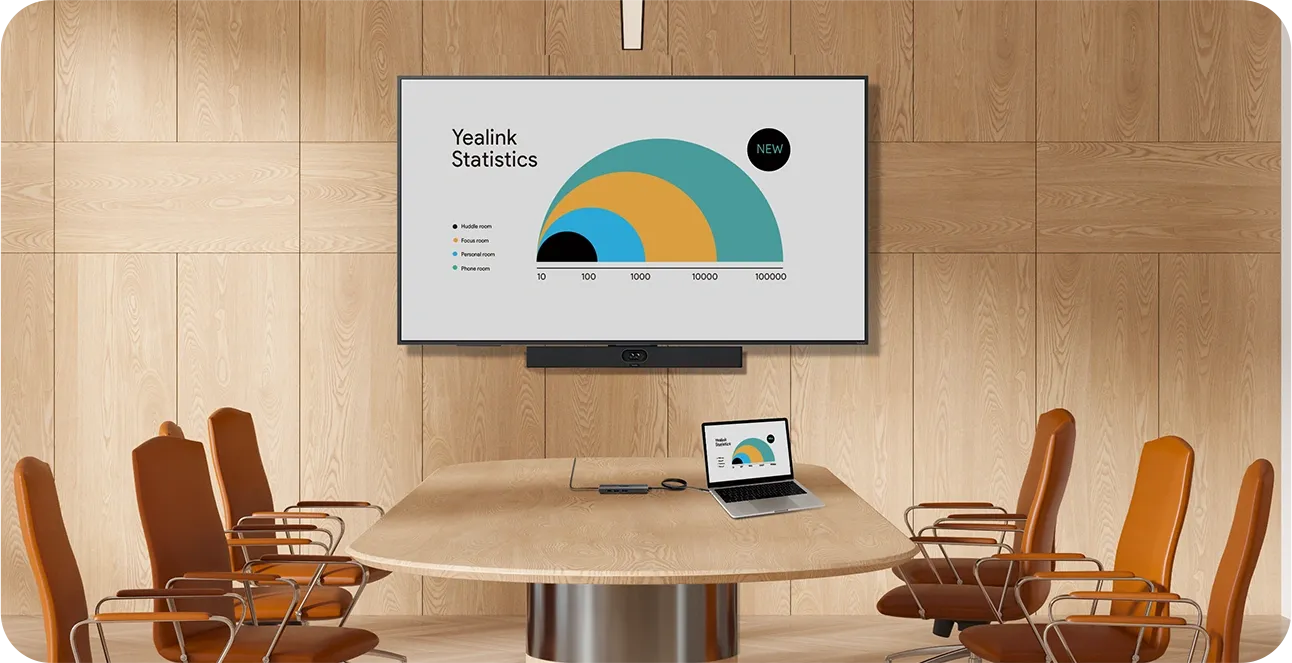
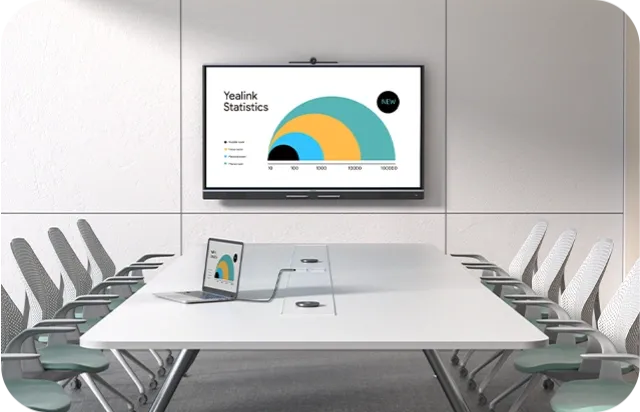
UVC40E2 + BYOD BOX
SV40 + VCH51
A50 USB / UVC85 + CP50
A50 USB / SV80+ CM20+CS10
LET'S TALK!
Experience more natural, equitable, and engaging meetings.
Our pioneering video technology makes it possible.
Get in touch with an expert today to see how.
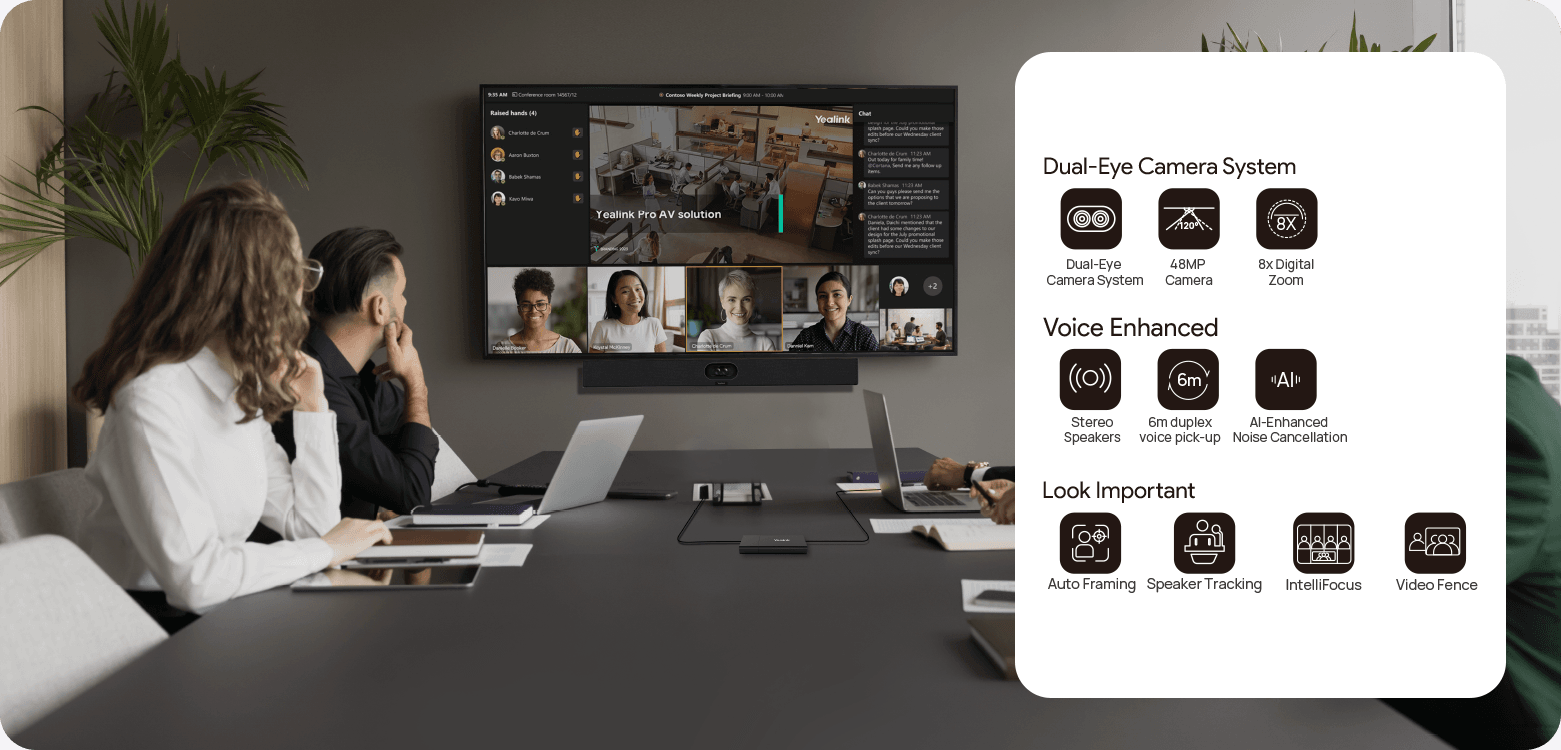
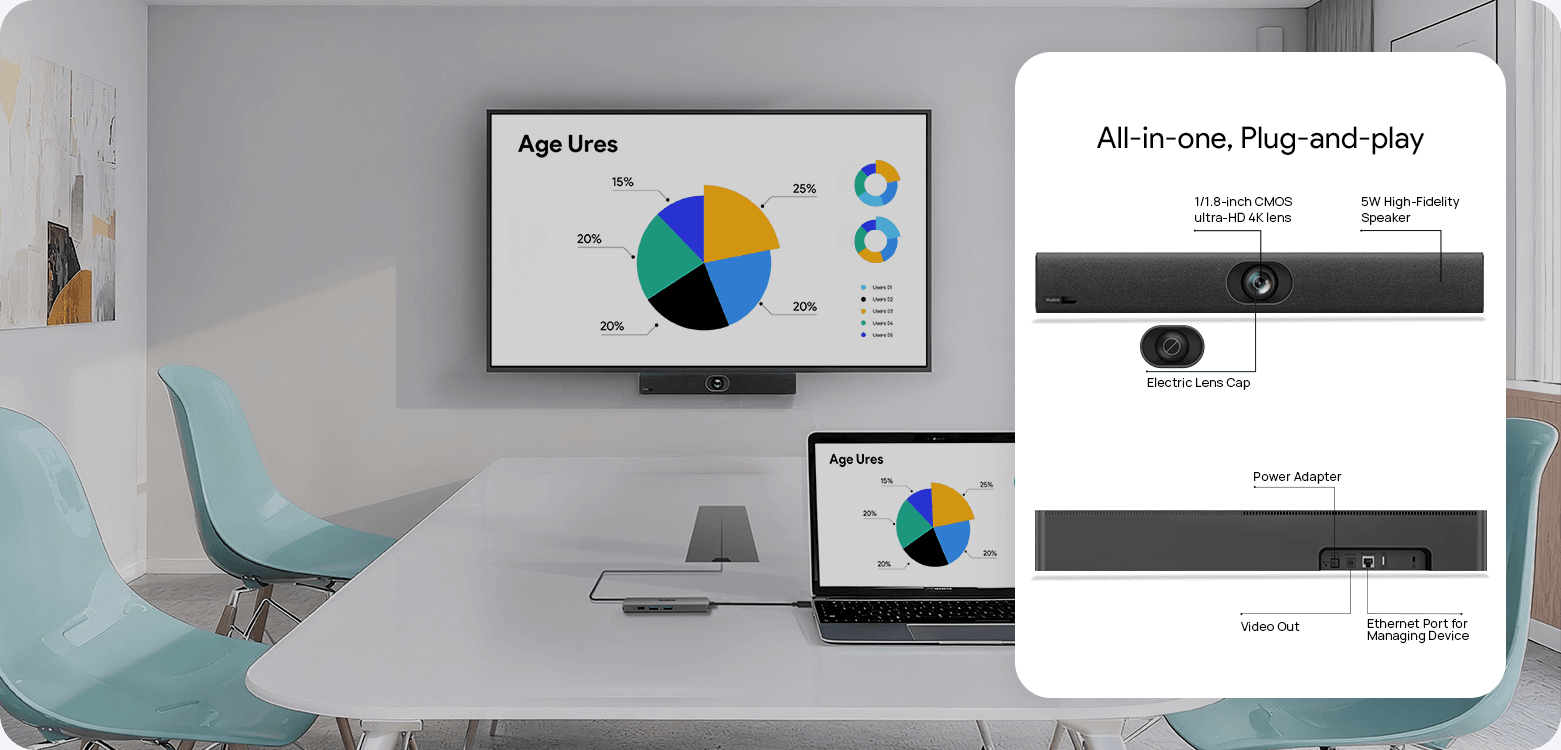
We provide versatile connectivity through Android-based Smart BYOD for streamlined meetings, or Windows integration with professional room systems for a premium experience. Discover the right solution for your space.
Master devices in bulk with professional management platforms such as Microsoft Teams Admin Center
(TAC), MTR Portal Management Platform(PMP), Zoom Device Platform (ZDM) and Yealink Management
Cloud Service (YMCS).
Manage Devices in Bulk
Upgrade and update phones in bulk by specifying firmware and resources.
Get Real-time Alarms
There are multiple alarms such as poor call quality and firmware upgrade failure. Set notification emails to ensure IT admins won't miss any alarms.
Schedule Tasks Worry Free
Implement management tasks during off-hours to ensure business continuity, and view the execution results of each task to provide you with peace of mind.
What's YMCS
Yealink's powerful GUI-driven cloud device management service offers a comprehensive set of tools for deploying multiple Yealink devices.
Describe your requirements. Our team can help you select and plan your Yealink solution.