
Microsoft Teams Meeting Rooms Solution
01
Yealink Video Portfolio for Microsoft Teams
Yealink Video Devices Solution for Microsoft Teams Covering from Huddle to Extra-large Meeting Spaces
- MTR system on Android
- MTR system on Windows
- New
- All-In-One Video Conferencing Device with Interactive Whiteboard
- New
- All-in-one video bar for medium to large rooms
- All-in-one video bar for small rooms
- New
- All-in-one Video Bar for Focus Rooms
- For small space and home office
- New
- Video Conferencing System For Pro-AV Rooms
- Video Conferencing System For Boardrooms
- New
- Video Conferencing System For Large Rooms
- New
- Video Conferencing System For Medium to Large Rooms
- The best-selling system for small-to-medium rooms
MeetingBar A50
MeetingBar A40
MeetingBar A25
MeetingBar A10
MVC S98
MVC S90
MVC S80
MVC S50
MVC S40
02
Empower Every Room with Yealink + Microsoft Teams
Explore tailored video conferencing solutions for every room type—from huddle spaces to extra-large conference rooms.
3-8 People
03
Small Room
Explore >
6-15 People
Compact, all-in-one Teams solutions designed for huddle rooms and focus spaces. Easy to deploy, easy to use.
04
Medium Room
Explore >
10-20 People
Powerful audio and video performance tailored for mid-sized Teams rooms, ensuring everyone is seen and heard clearly.
05
Large Room
Explore >
20 + People
Advanced multi-device solutions engineered to cover larger spaces with crystal-clear communication and seamless control.
06
Extra-Large Room
Explore >
Modular Teams Room systems built for complex AV environments, offering flexible integration and enterprise-grade performance.
07
Yealink Devices in Microsoft Teams Room Applications
- SKYSOUND AUDIO SOLUTION
- Superior Sound,
- Simplified Design and Deployment
- SkySound Audio Solution >
- + STANDARD CM20 Ceiling Audio Solution
- CS10/CS10-D
- CM20
- AVHub
- + PREMIUM CM50 Dante Audio Solution
- CM50
- CS10-D
- AP08
- + SOFTWARE TOOLS
- Device Calculator
- Room Designer
- PAG/NAG Calculator
- + ACCESSORY
- YPS20
- Get Your Solution Now
Microsoft Teams Rooms
Experience the seamless integration of Yealink devices with . Whether it's a standard meeting room, training room, or any other space, our solutions ensure crystal-clear communication and effortless collaboration. Trust Yealink to transform your workspace into a hub of innovation and efficiency.
Ceiling Audio System
SkySound, a Microsoft Teams Certified Pro , delivers outstanding audio performance with AI-powered design and deployment. As a key component of Yealink's comprehensive one-stop AV solution, it integrates effortlessly with Yealink's MTR systems, providing an ideal solution for various scenarios.
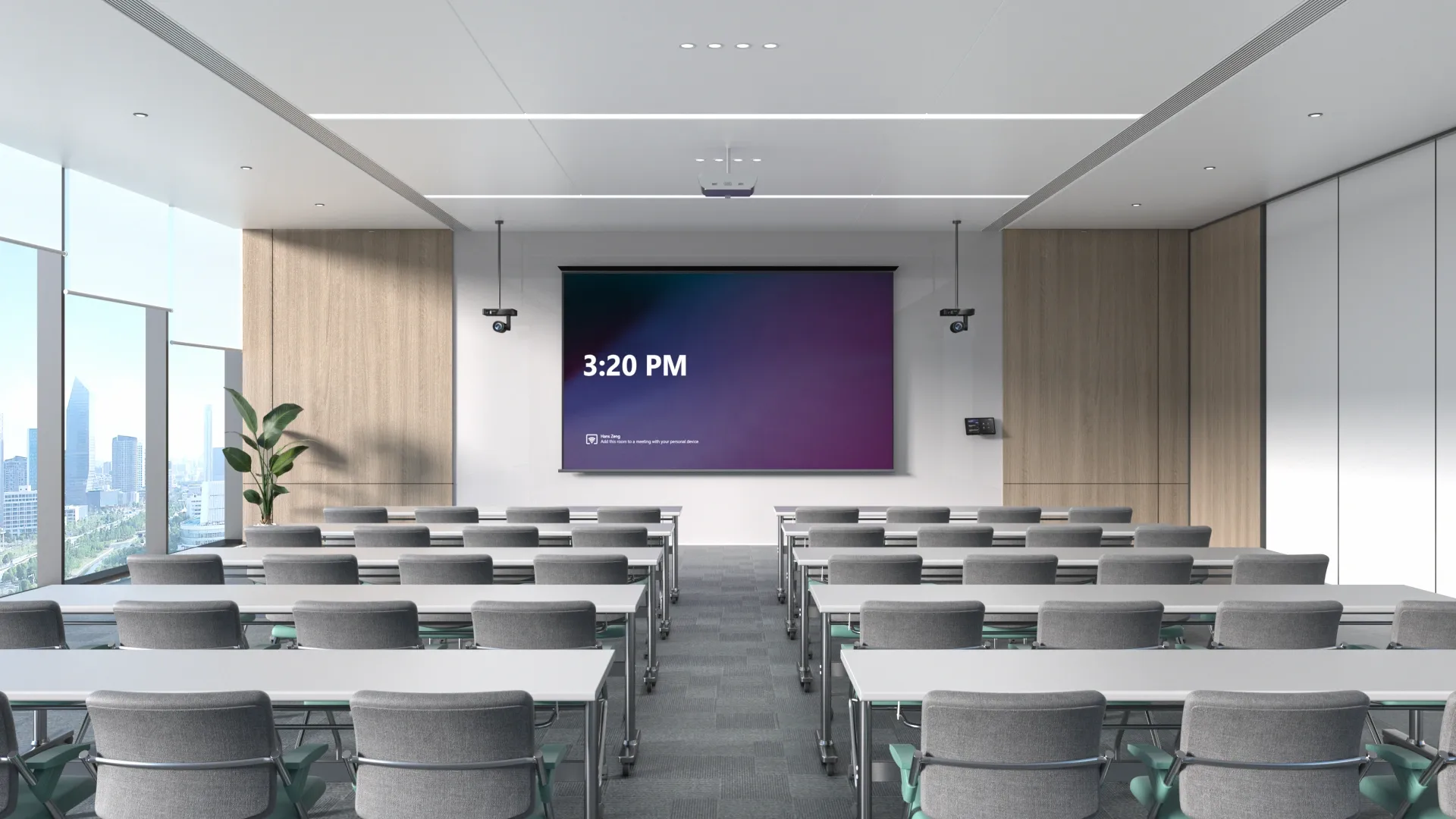
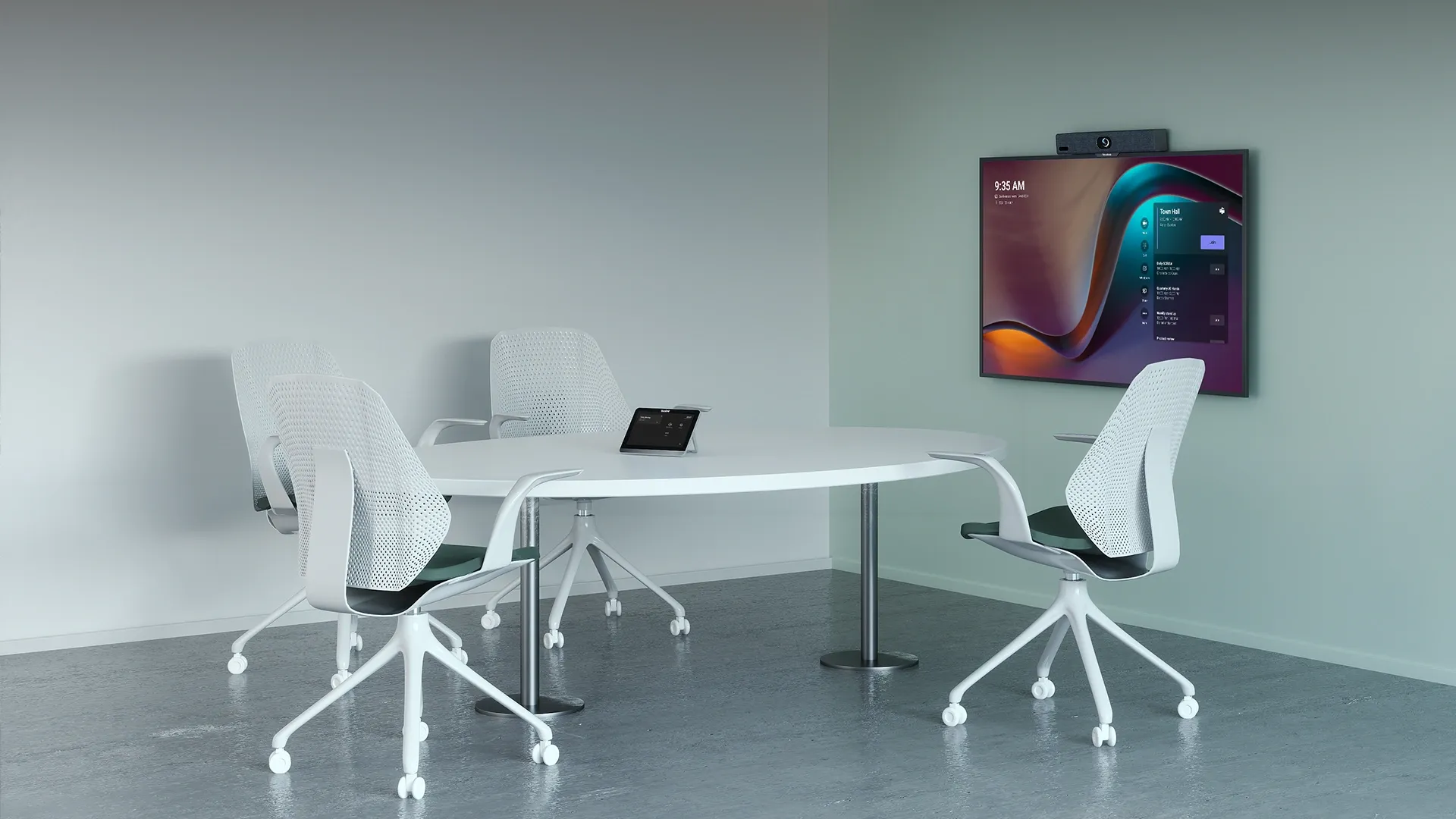
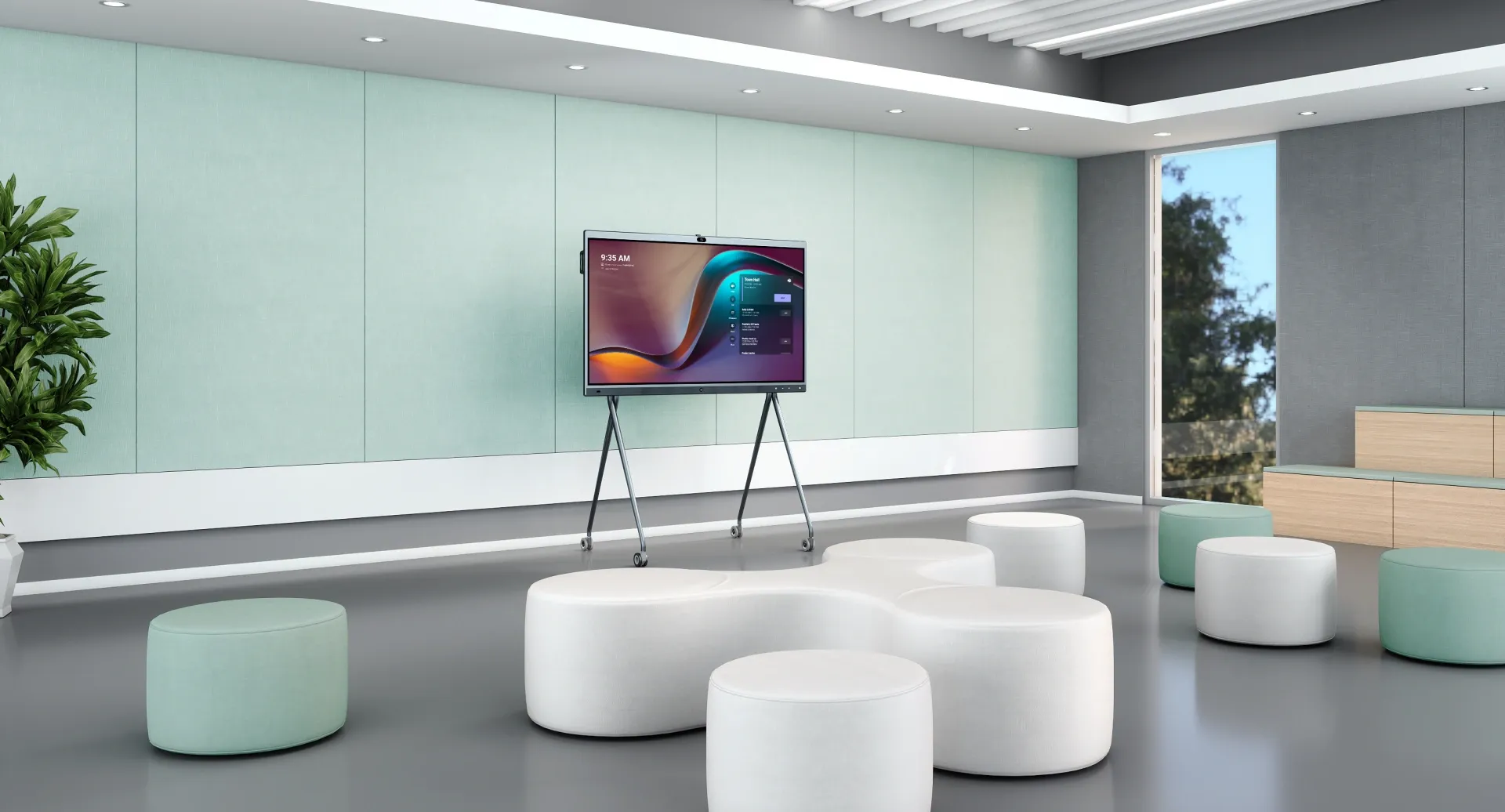
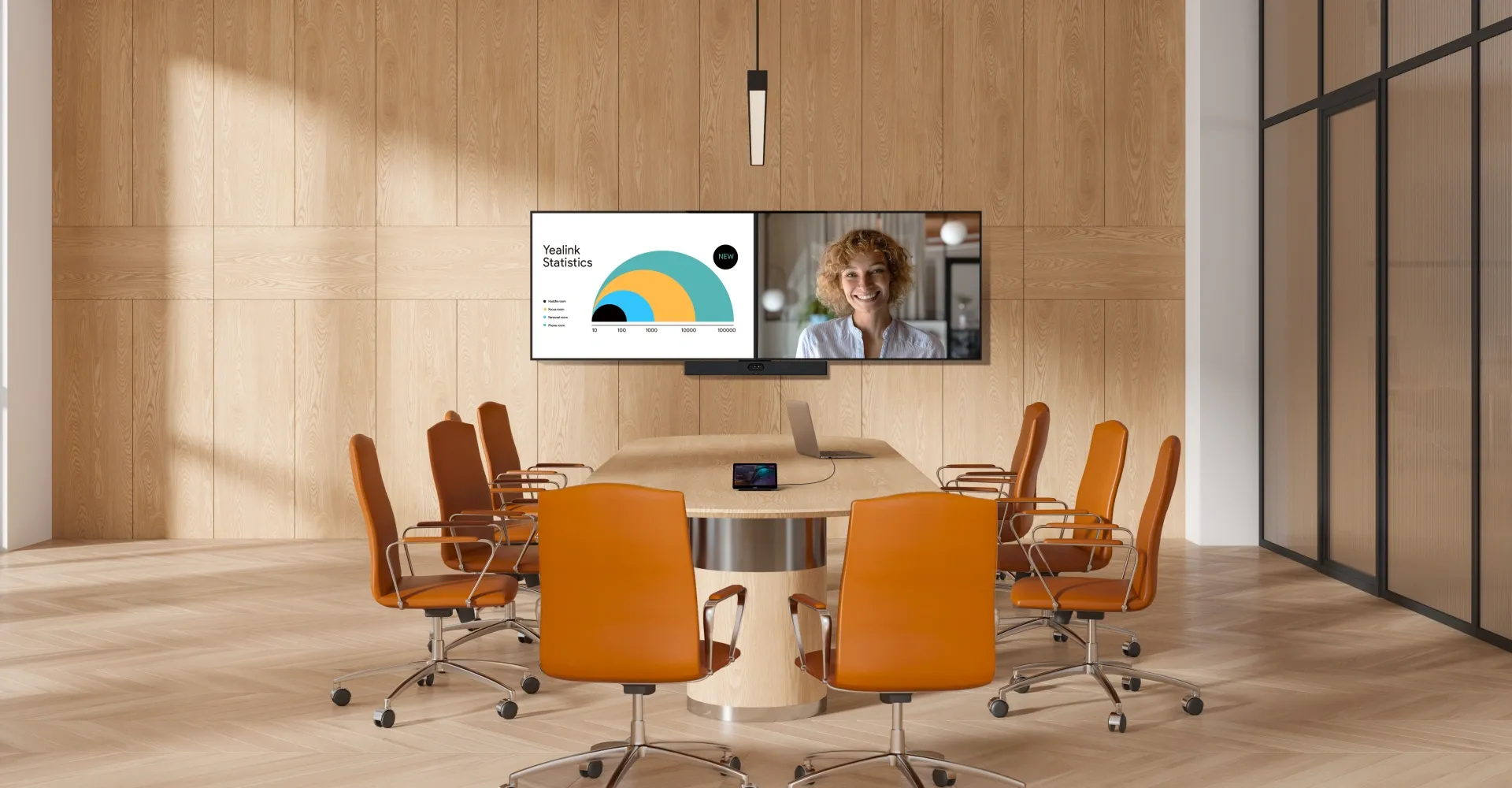
- One-stop, full-scenario
- Intelligent design & deployment
- Premium audio quality
- Smart integration with multi-cam solution
08
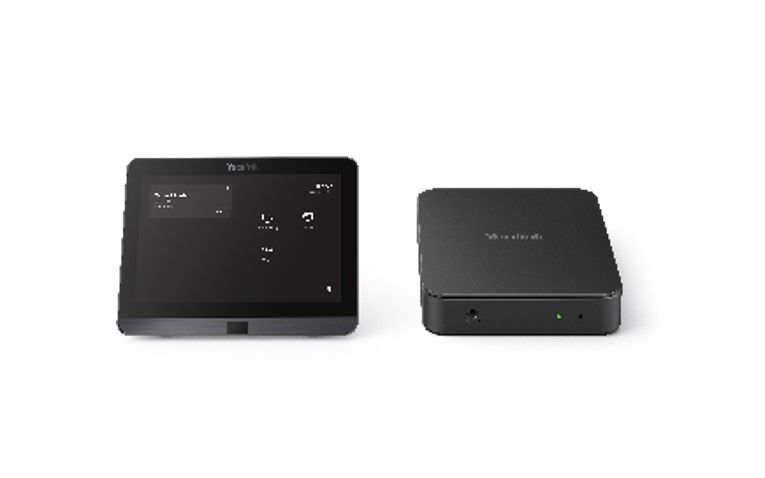
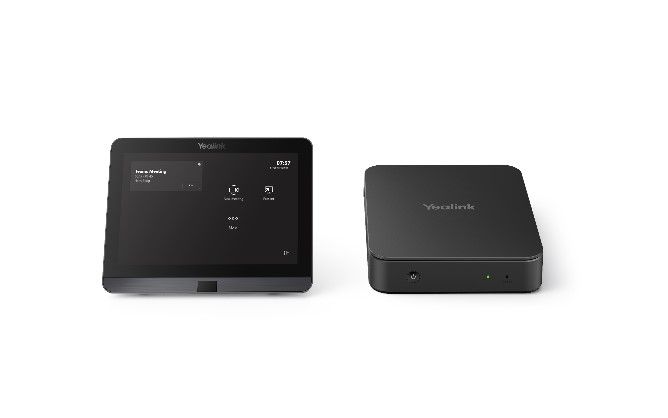
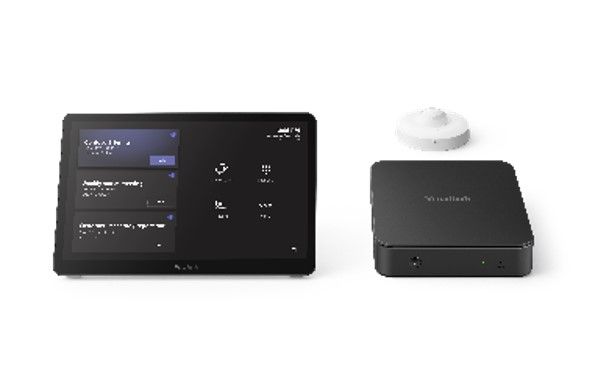
The 4th-gen Mcore Kits for MTR
The Yealink MCore Kit serves as the core component of Yealink’s fourth-generation MVC system, featuring a high-performance mini-PC and touch panel. Designed specifically for video conference rooms, it offers a flexible and reliable deployment solution.
- MCoreKit-C0-MS
- MCore Lite + MTouch E2
- MCoreKit-C4-MS
- MCore Pro + MTouch E2
- MCoreKit-C5-MS
- MCore Pro + MTouch E2 + Room Sensor
09
Step into One-Stop Meeting Solution in 360°
Discover how audio, video, and collaboration come together seamlessly across different meeting spaces.
Explore 360° Tours
10
MANAGEMENT OVER THE AIR
Master devices in bulk with professional management platforms such as Microsoft Teams Admin Center
(TAC), MTR Portal Management Platform(PMP), Zoom Device Platform (ZDM) and Yealink Management
Cloud Service (YMCS).
Manage Devices in Bulk
Upgrade and update phones in bulk by specifying firmware and resources.
Get Real-time Alarms
There are multiple alarms such as poor call quality and firmware upgrade failure. Set notification emails to ensure IT admins won't miss any alarms.
Schedule Tasks Worry Free
Implement management tasks during off-hours to ensure business continuity, and view the execution results of each task to provide you with peace of mind.
What's YMCS
11
See How Customers Are Innovating with Teams & Yealink
Yealink & Sofigate: High-End Hybrid Meeting Solutions for All-Scenario Coverage
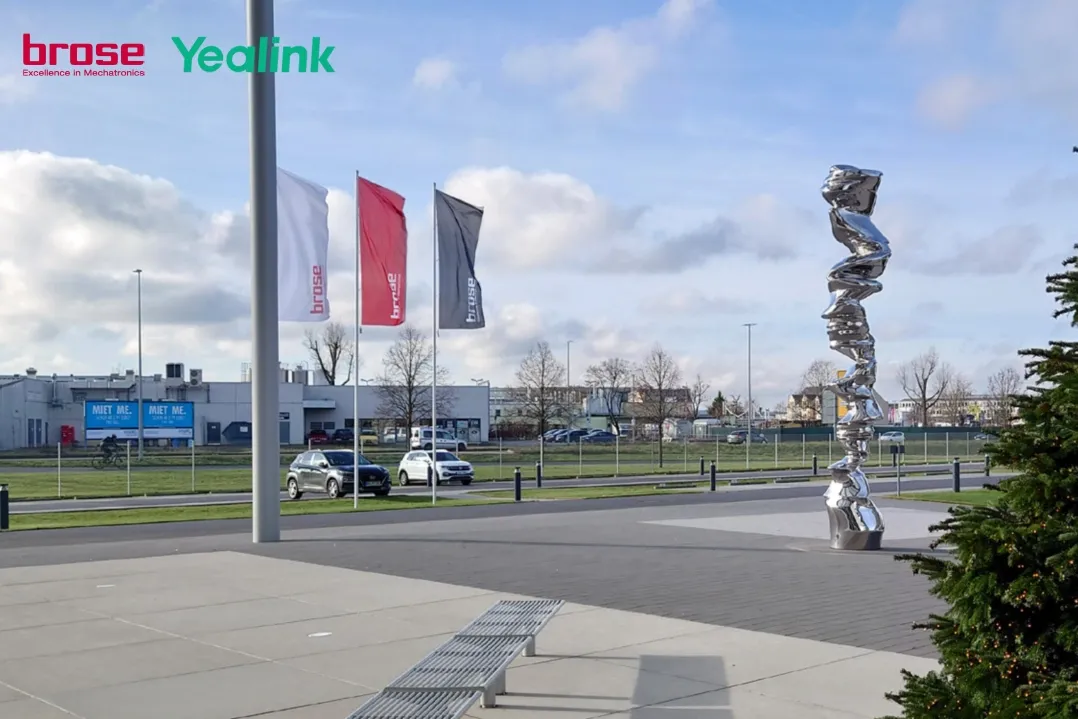
Brose - AUTO
How Yealink Helped Brose Realize Quick Transition to a Modern Hybrid Workplace
Keep the Group Connected and Boost the Business Continually.
How Yealink Created Connected Meeting Spaces for St John Ambulance Victoria
"We are pleased to see Yealink expand their Microsoft device portfolio by introducing their new video solutions for meeting rooms. Together with Yealink’s new phones for Microsoft Teams, this device portfolio provides customers with high quality, flexible options to bring the Microsoft Teams experience to every space and user."
Bob Davis
Corporate Vice President, Office 365 at Microsoft Corp.
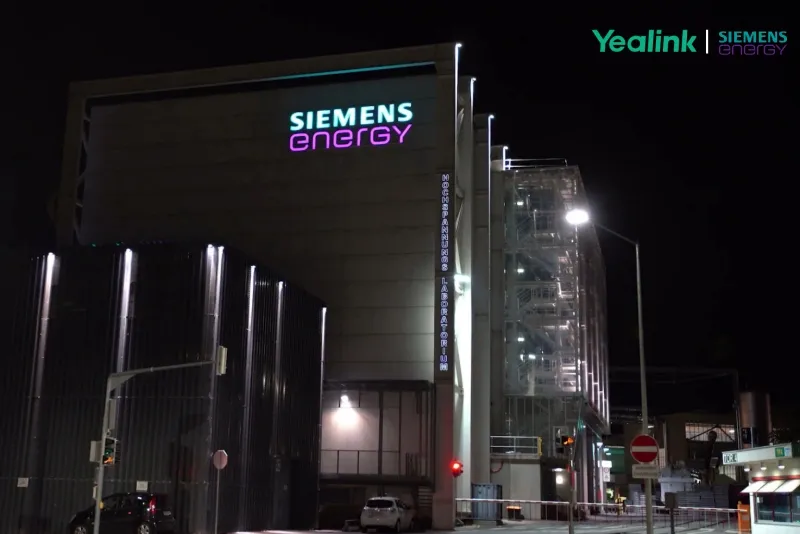
- Siemens Energy - ENERGY
- Yealink Helped Siemens Energy Drive Collaboration
- Sofigate - IT
- Tulsa Tech - EDU
- Realizing Hybrid Learning with Yealink Solution for Microsoft Teams
- St John Ambulance Victoria



12
Consistent Teams Experience Cross Devices
Benefits:
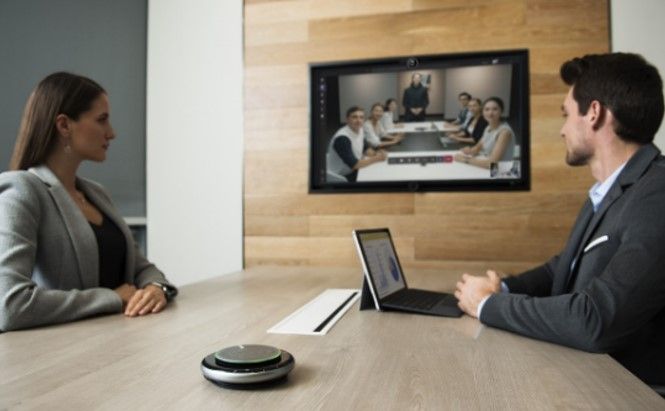
• Dedicated voice & video device solutions for all types of meeting spaces
• Intelligent meeting experience: Everyone is seen and heard clearly without complicated manual operation
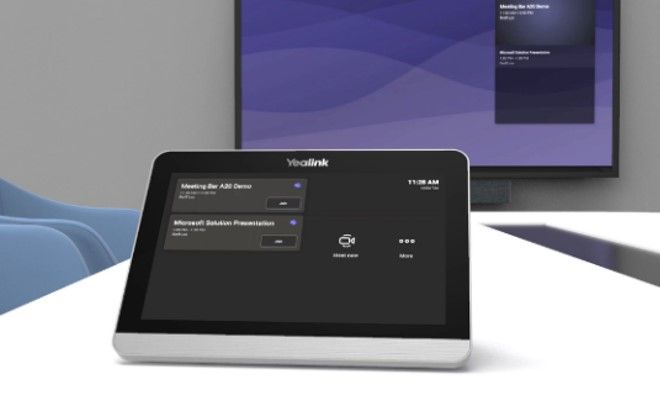
- Benefits:
- • Consistent experience to drive user adoption
- • Easy to use
- • One click to join
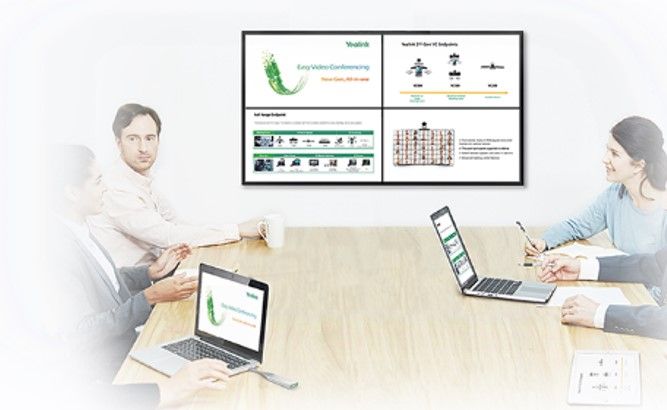
- Benefits:
- • Option for wired and wireless content sharing
- • One click to share content wirelessly
AI-Powered Video & Audio Experience
One CAT5e Cable Technology
Benefits:
• One CAT5e cable connects TV area to conference table
• Simplify complicated cabling
• Shorten deployment time
Consistent Teams experience
Remote Device Management
Remote Device Management
Benefits:
• Easily to monitor, manage devices remotely
• Allow IT managers to focusing on business operation
Related products
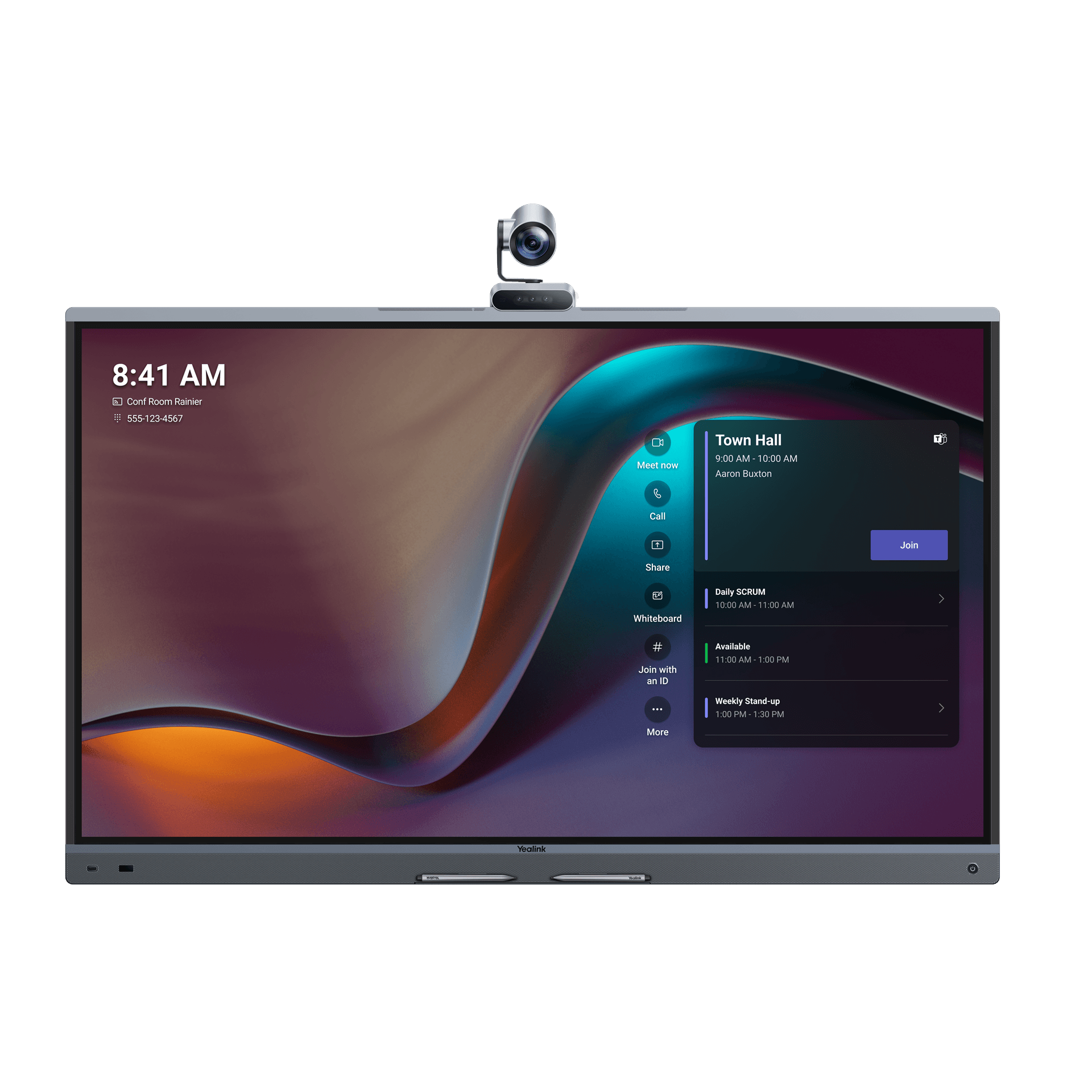
MeetingBoard Pro
Discover Yealink MeetingBoard Pro, an all-in-one smart interactive whiteboard for meetings, video conferencing, and collaboration.
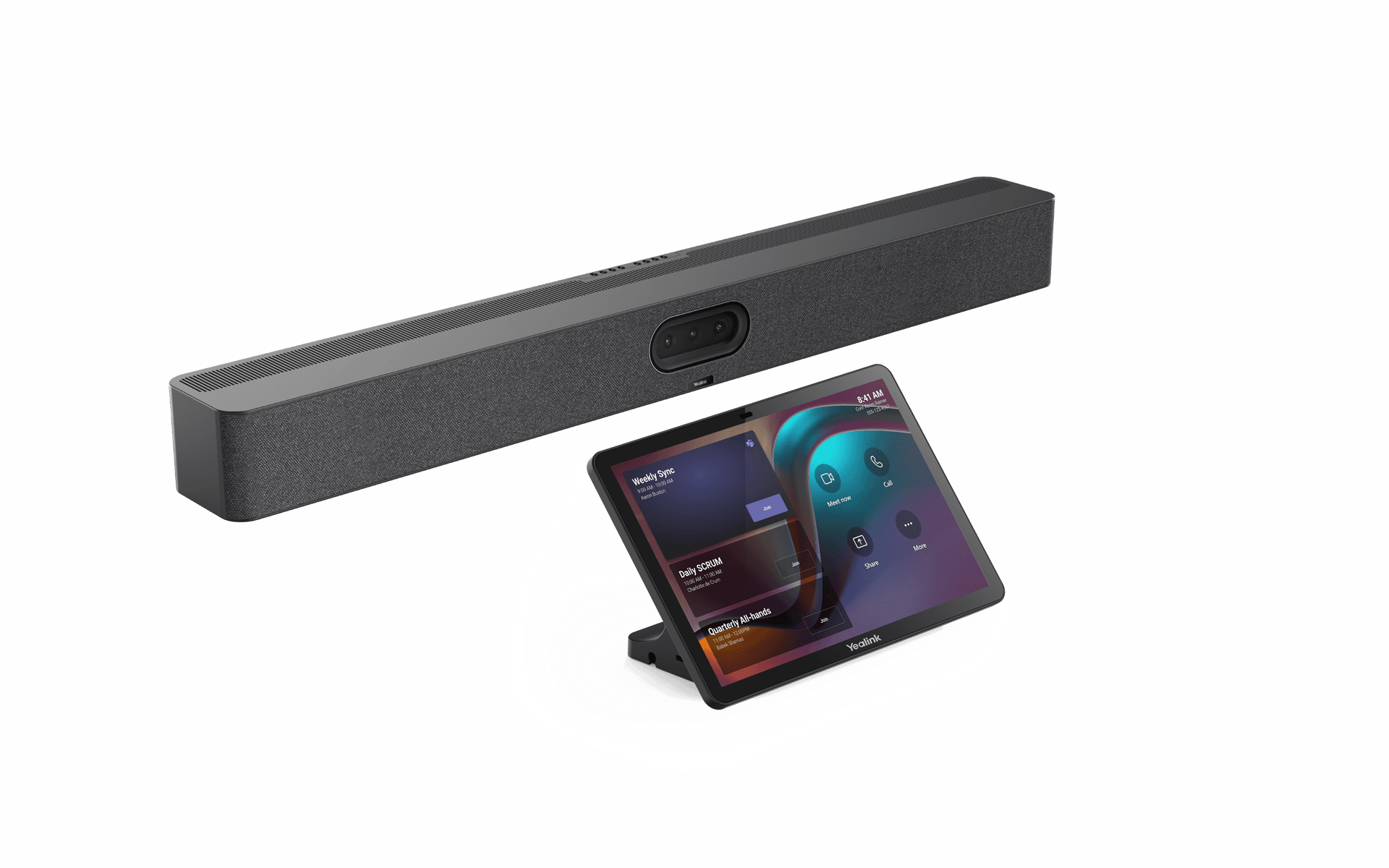
MeetingBar A50 – Microsoft Teams Rooms on Android
Discover Yealink MeetingBar A50, an all-in-one video bar with a triple 50 MP camera, advanced AI, and high-quality audio. Ideal for medium to large meeting rooms.
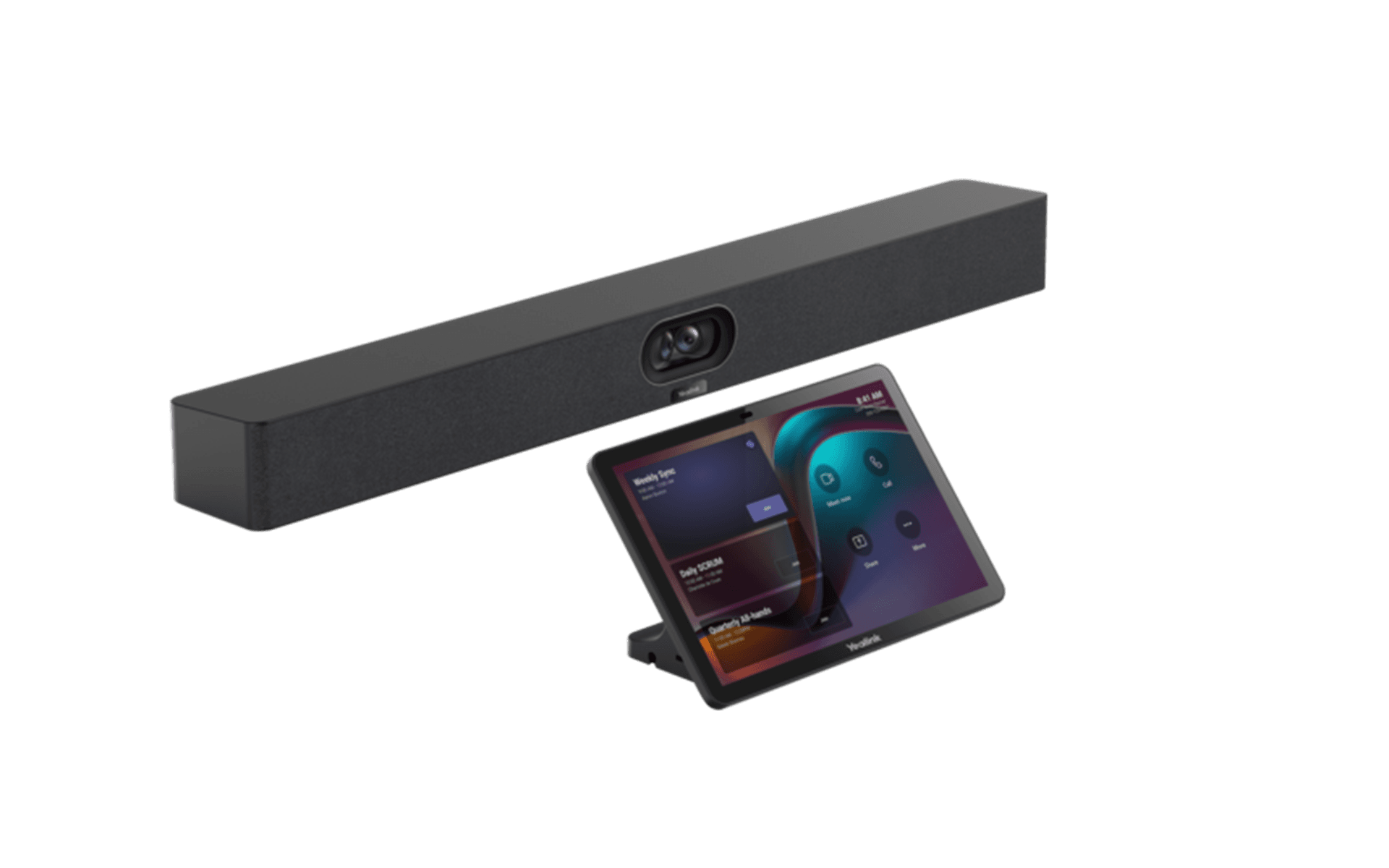
MeetingBar A40 Microsoft Teams Rooms on Android
The Yealink MeetingBar A40 is an all-in-one video conferencing system designed for small meeting rooms. It combines an intelligent camera, professional audio system, and hybrid collaboration features for Microsoft Teams and Zoom.
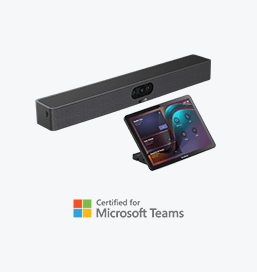
MeetingBar A25 Microsoft Teams Rooms on Android
Discover the Yealink MeetingBar A25, an all-in-one video bar with a 151° ultra-wide-angle camera, designed to deliver an intelligent and immersive meeting experience in small meeting rooms.
Let’s discuss your project
Describe your requirements. Our team can help you select and plan your Yealink solution.