Create Consistent Hybrid Meeting Experiences
AI-powered video and professional audio ensure everyone is clearly seen and heard.
Products
Every Yealink product line, from PBX systems to gateways and accessories.
View all 416 productsMeeting rooms
Phones and headsets
Platforms and accessories
By meeting space
See all (6) →By platform
Empower teams with AI-powered video, professional audio, and flexible meeting room solutions for seamless hybrid collaboration.
As the most frequently used collaboration spaces, medium meeting rooms require intelligent, scalable solutions that deliver consistent hybrid meeting experiences and simplify enterprise deployment.
AI-powered video and professional audio ensure everyone is clearly seen and heard.
Deliver a consistent meeting experience across every office with unified room solutions.
Reduce installation time and simplify large-scale rollouts with easy-to-deploy solutions.
Support Microsoft Teams Rooms, Zoom Rooms, and wired/wireless sharing for hybrid collaboration.
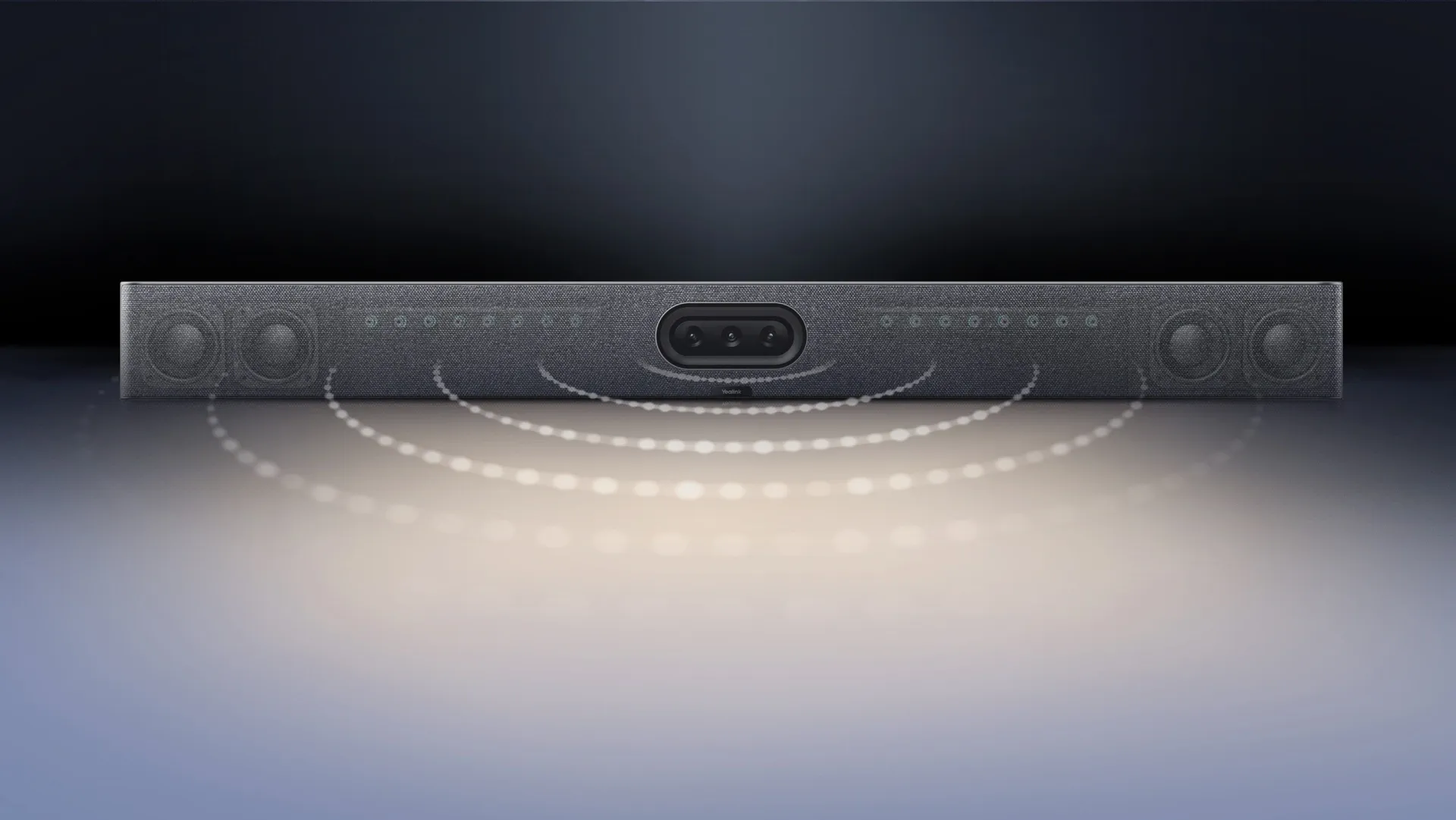
Ensure everyone is clearly seen and heard with AI-powered video, professional audio, and intelligent meeting technologies.
IntelliFocus | Video Fence
-16 MEMS mic array
-4 stereo speakers
-Support extended mics
-Noise-Free Audio
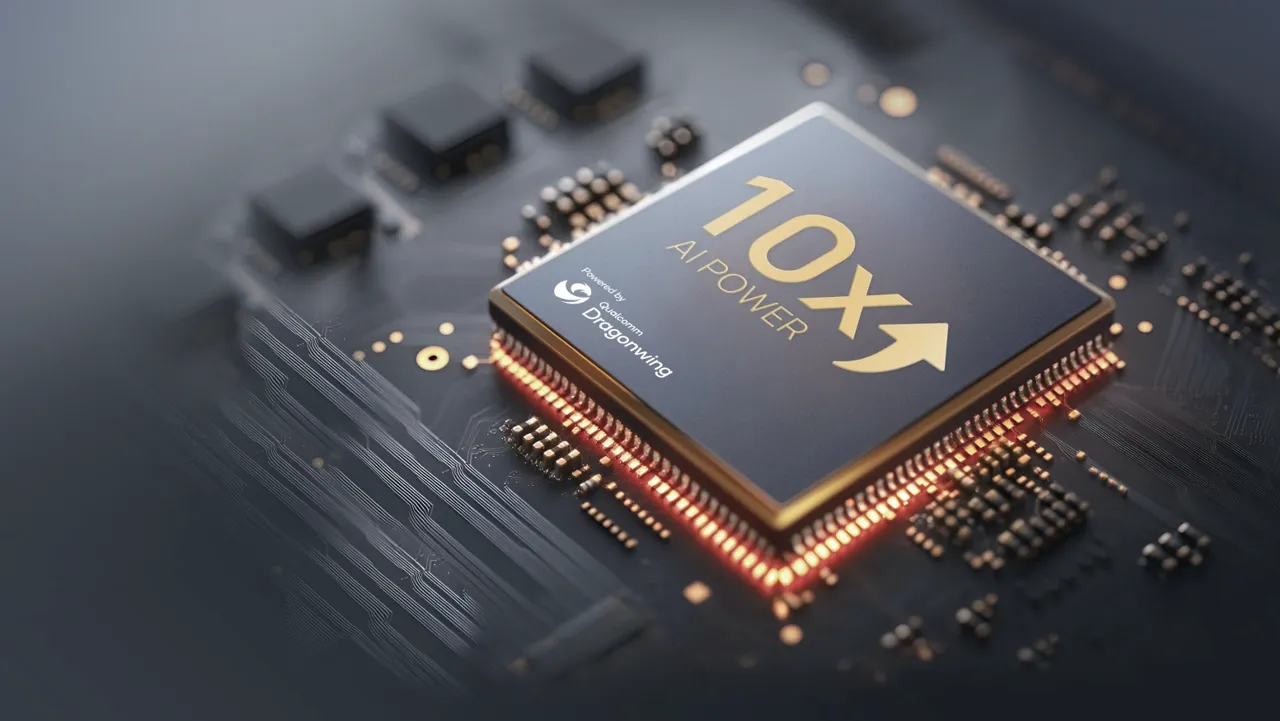
more performance in CPU
performance in AI processing
AI computing power
*Data based on comparisons with the previous generation chip.
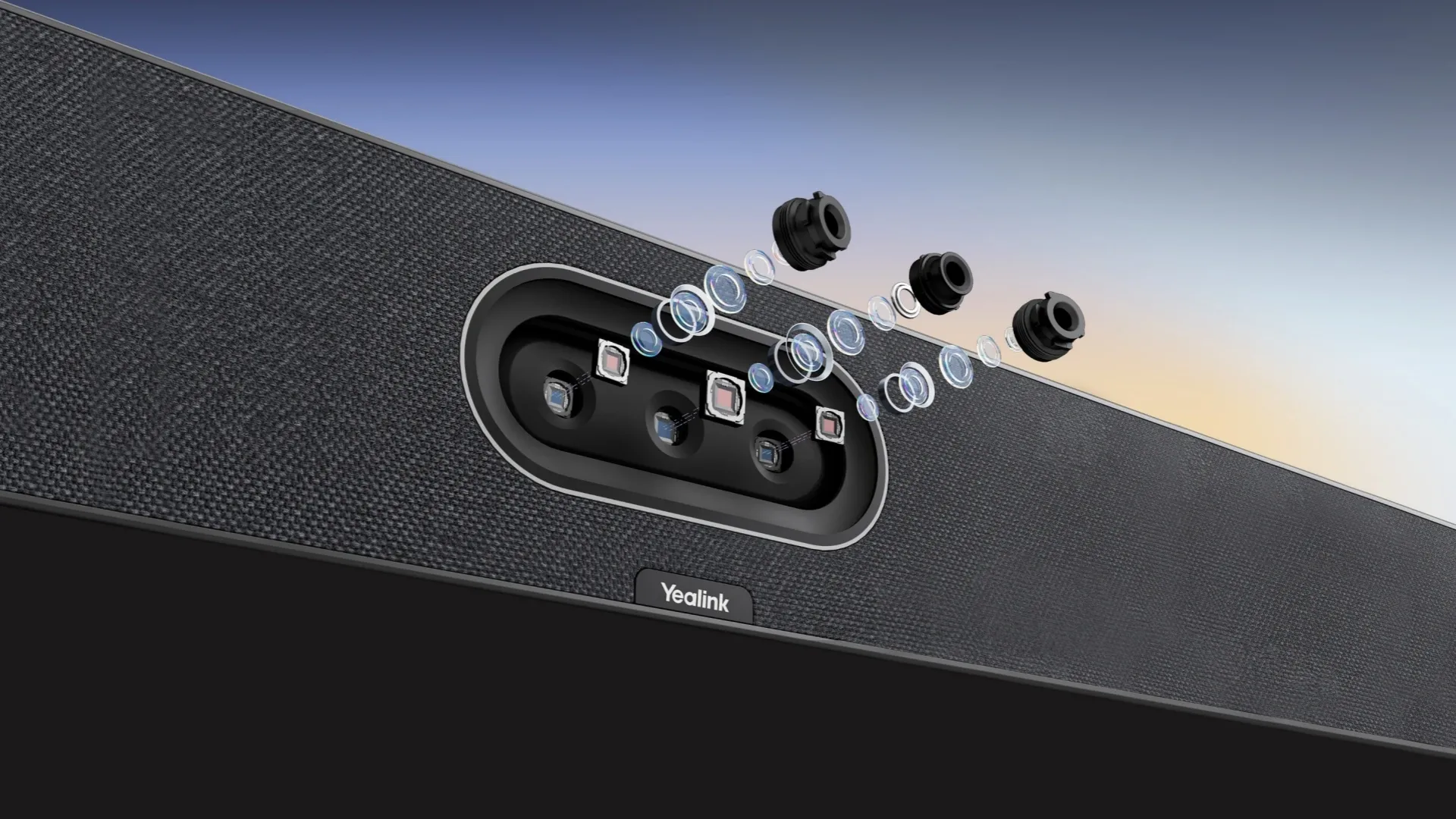
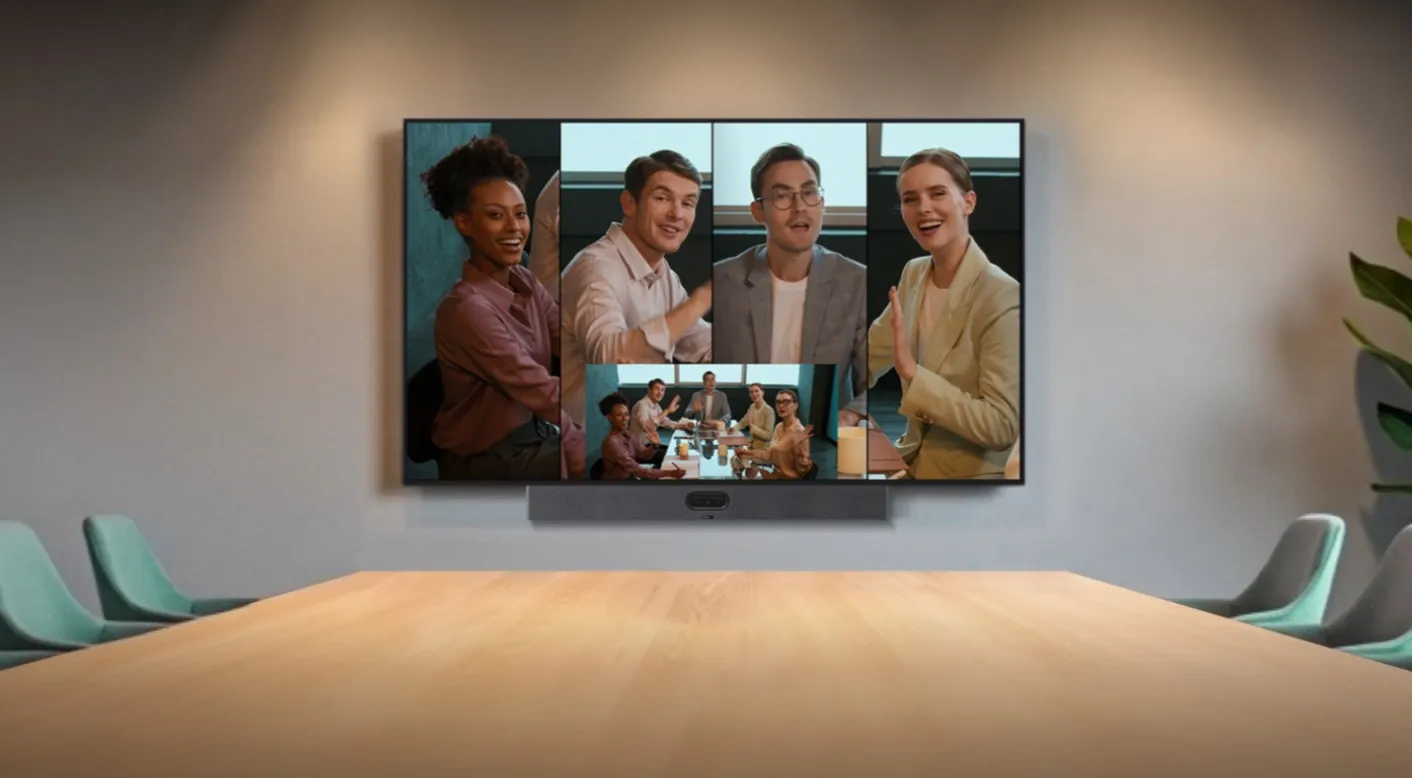
Medium meeting rooms support a wide range of collaboration activities—from daily team meetings to customer presentations and hybrid project discussions.
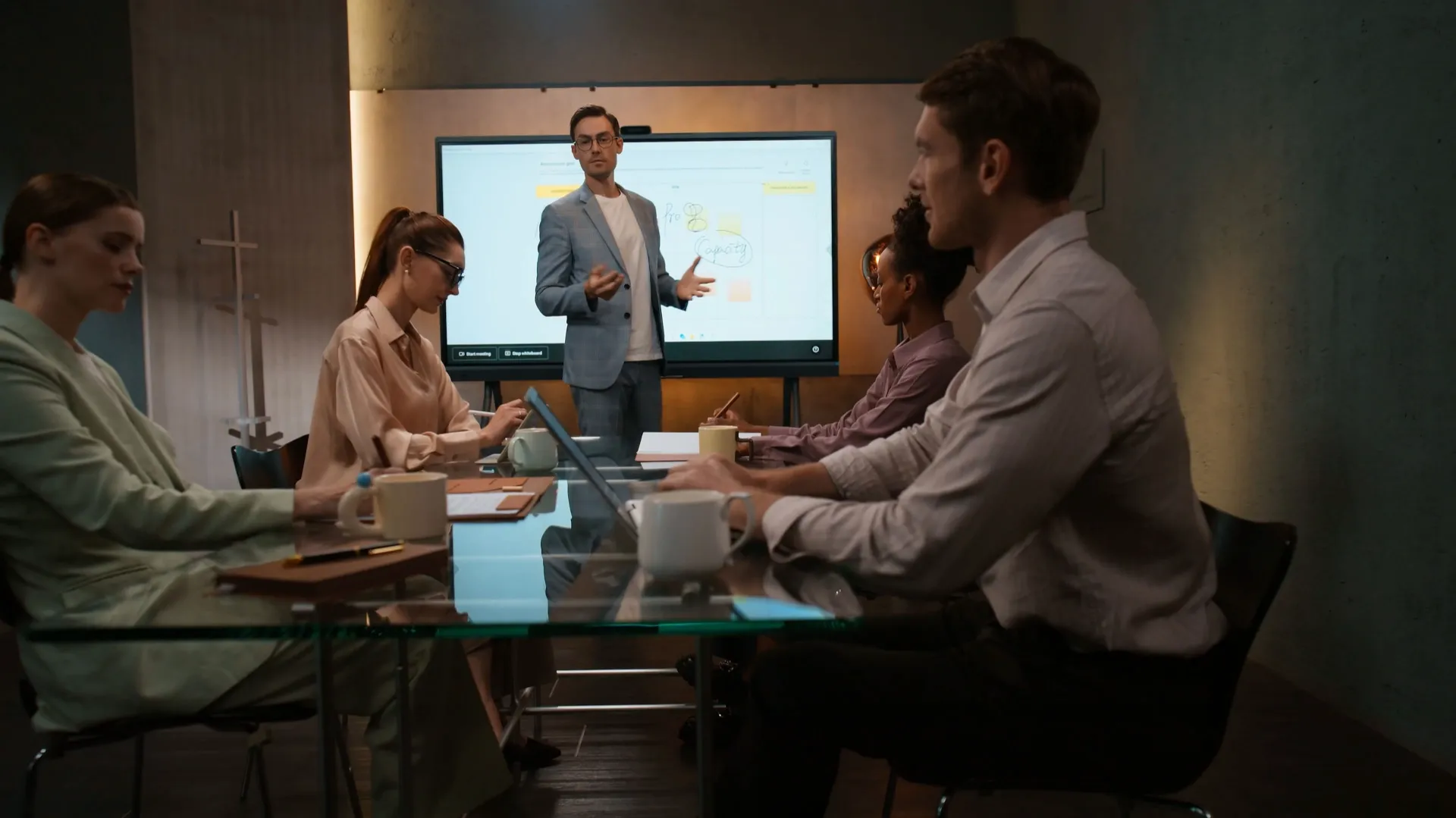
Empower creative brainstorming with native digital whiteboard for note-taking, sketching and real-time annotation.
Creative brainstorming sessions
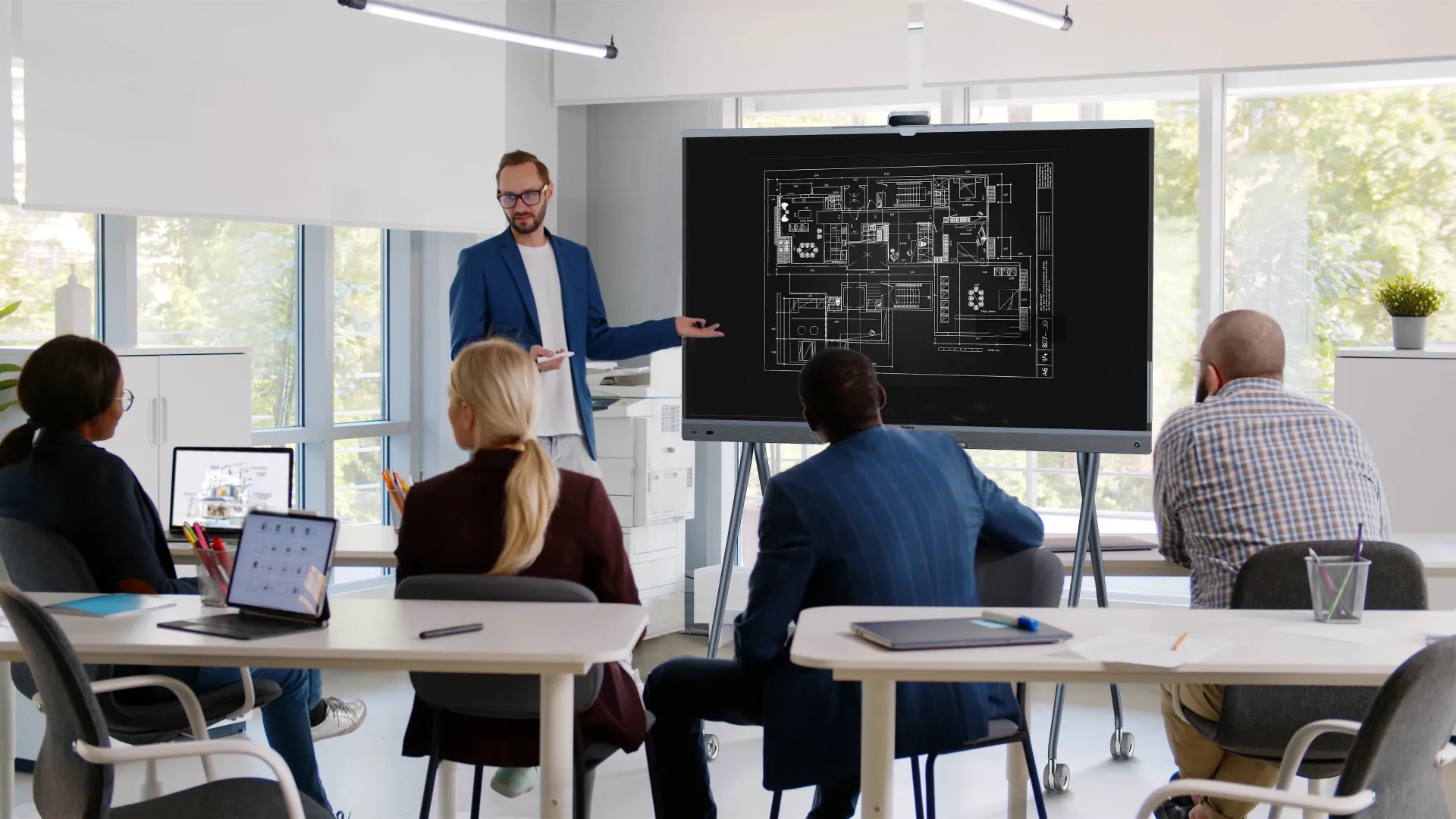
Design & requirement reviews
Persistent whiteboard storage
Recommended:
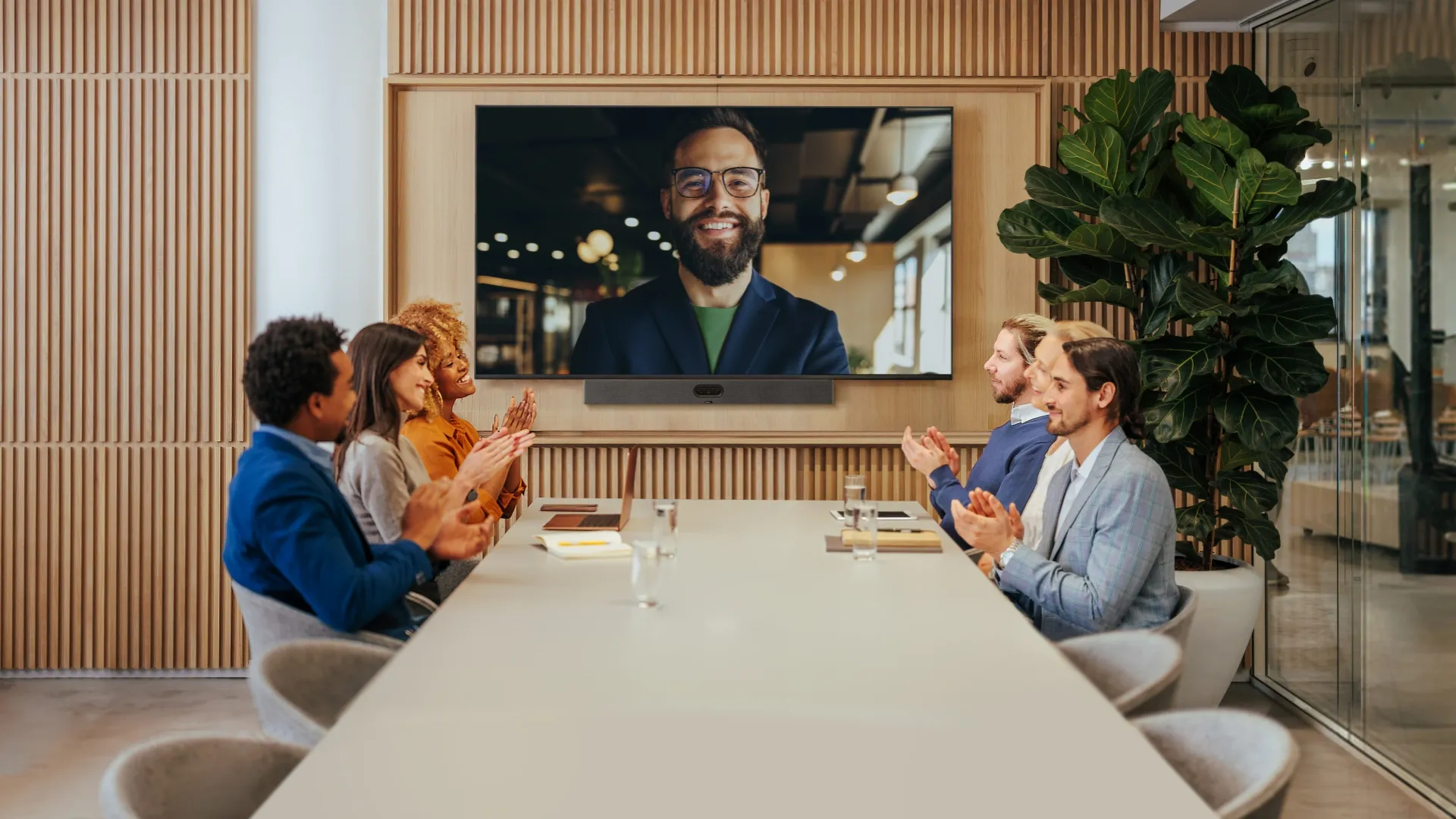
Stable video bar solution focused on screen sharing, remote presentation and consistent hybrid meeting experience.
Client & partner presentations
Multi-branch video conferences
Wireless one-touch screen casting
Recommended:
Adaptable setup for semi-open medium zones, supporting ad-hoc meetings and flexible team discussions.
Ad-hoc quick team syncs
Flexible movable layouts
Balanced audio & video coverage
Recommended:
Master devices in bulk with professional management platforms such as Microsoft Teams Admin Center (TAC), MTR Portal Management Platform(PMP), Zoom Device Platform (ZDM) and Yealink Management Cloud Service (YMCS).
What's YMCS
Upgrade and update phones in bulk by specifying firmware and resources.
There are multiple alarms such as poor call quality and firmware upgrade failure. Set notification emails to ensure IT admins won't miss any alarms.
Implement management tasks during off-hours to ensure business continuity, and view the execution results of each task to provide you with peace of mind.
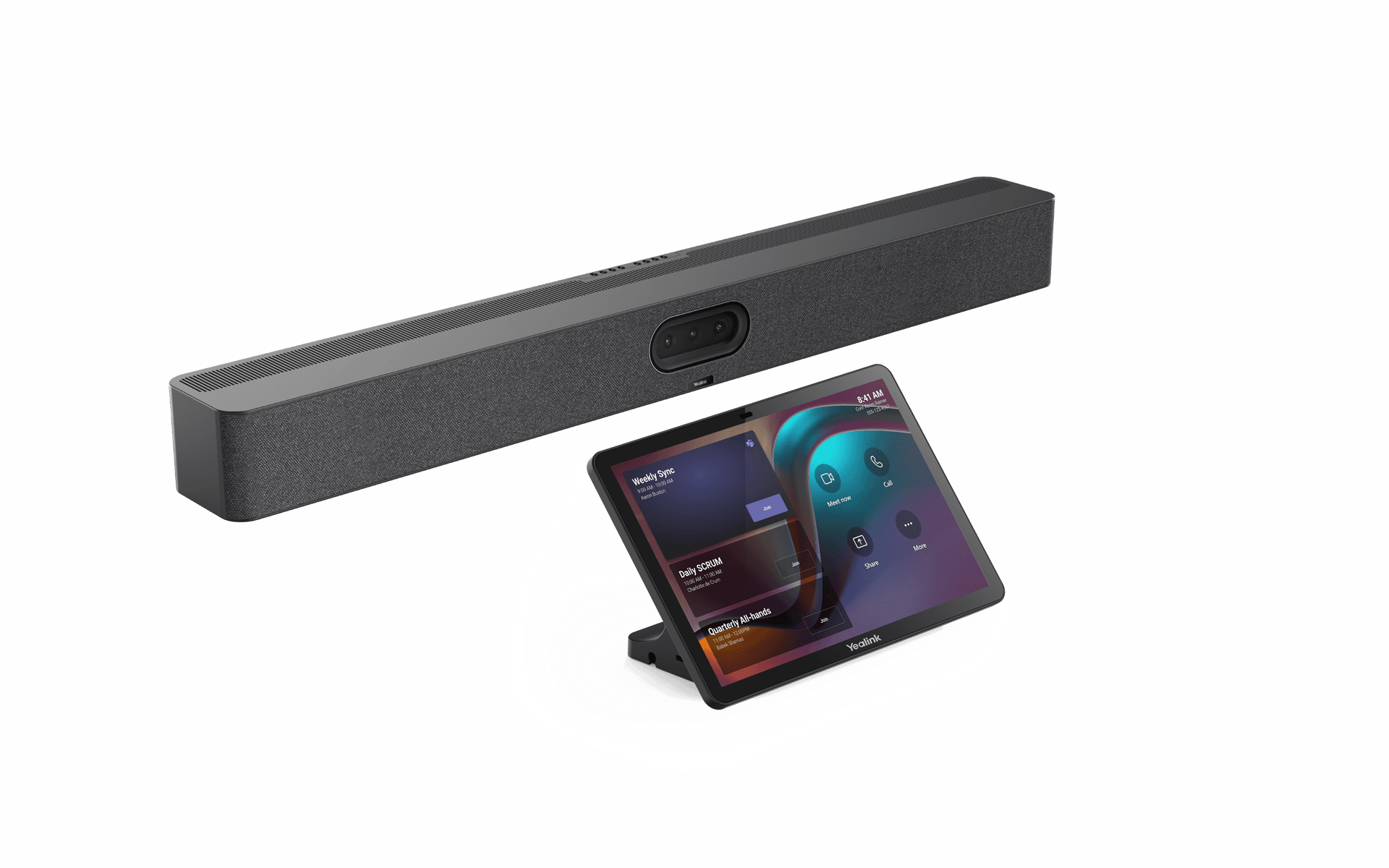
Discover Yealink MeetingBar A50, an all-in-one video bar with a triple 50 MP camera, advanced AI, and high-quality audio. Ideal for medium to large meeting rooms.
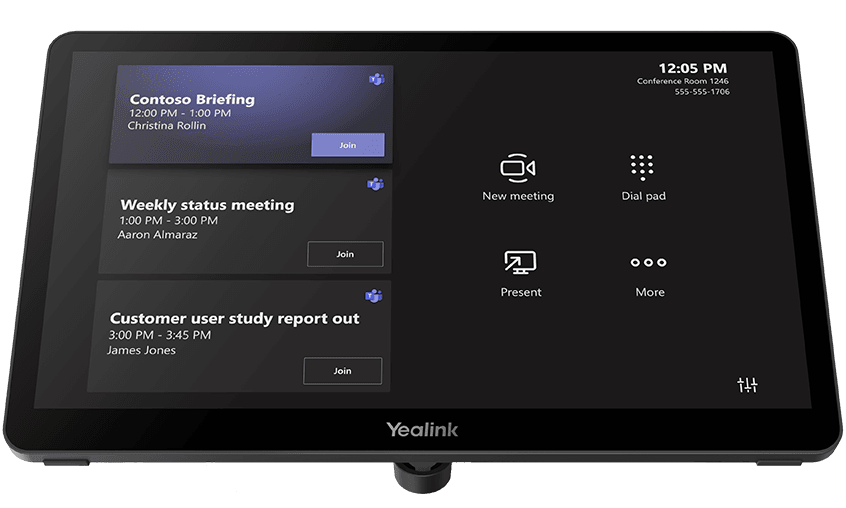
Discover the Yealink MVC S50, an all-in-one Microsoft Teams Rooms system designed for medium-sized rooms. A smart solution for seamless meetings and effective collaboration.
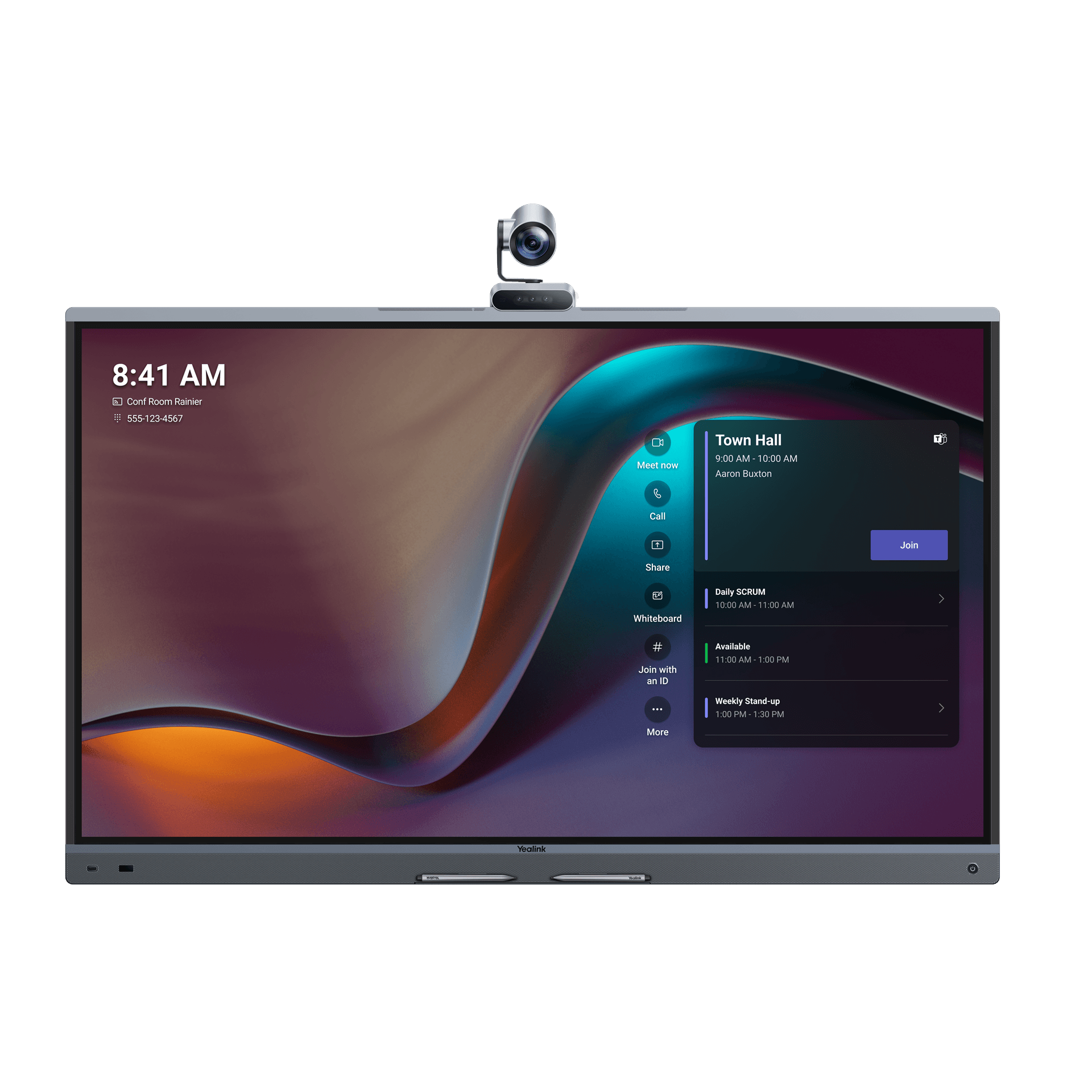
Discover Yealink MeetingBoard Pro, an all-in-one smart interactive whiteboard for meetings, video conferencing, and collaboration.
Yealink's powerful GUI-driven cloud device management service offers a comprehensive set of tools for deploying multiple Yealink devices.
Describe your requirements. Our team can help you select and plan your Yealink solution.